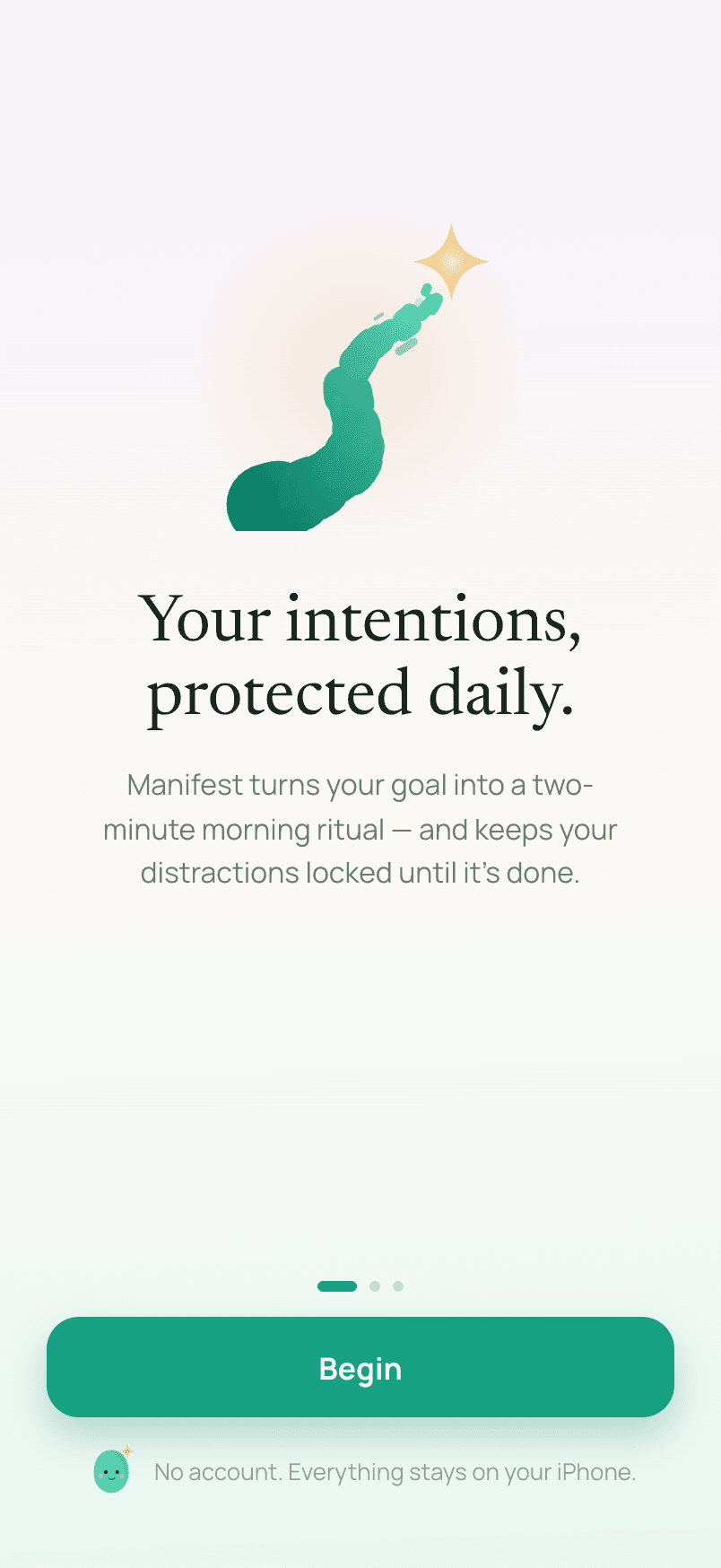
Your intentions, protected daily.
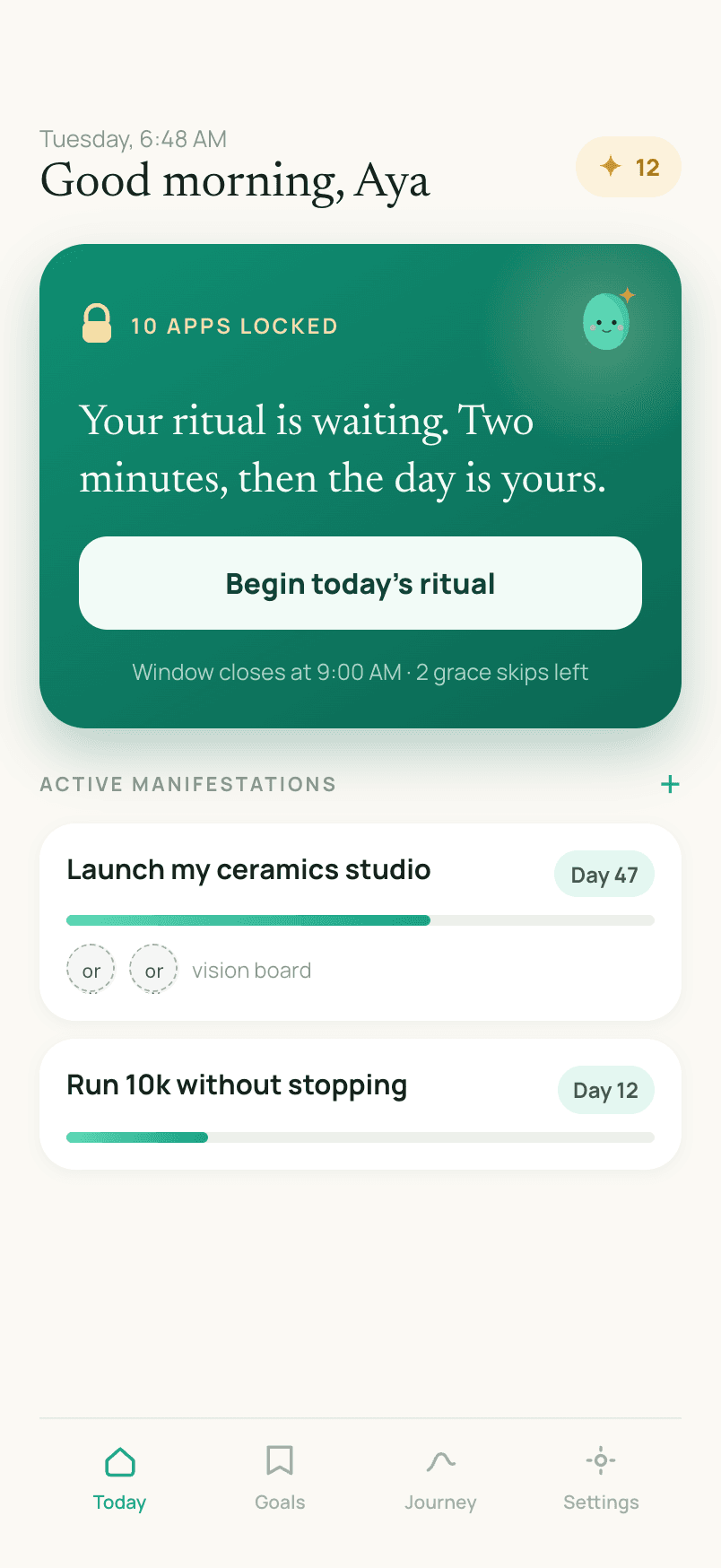
Manifest gates your distracting apps behind a short daily manifestation ritual. Write a goal, read the line it inspires, and the Screen Time block lifts. No account, no cloud — it all stays on your iPhone.

Three steps, once a day
The ritual is short by design — a minute or two, not a chore standing between you and your phone.
- 1
Write a goal
One sentence, in your own words. Manifest reflects it back before it ever becomes a ritual.
- 2
Read today's line
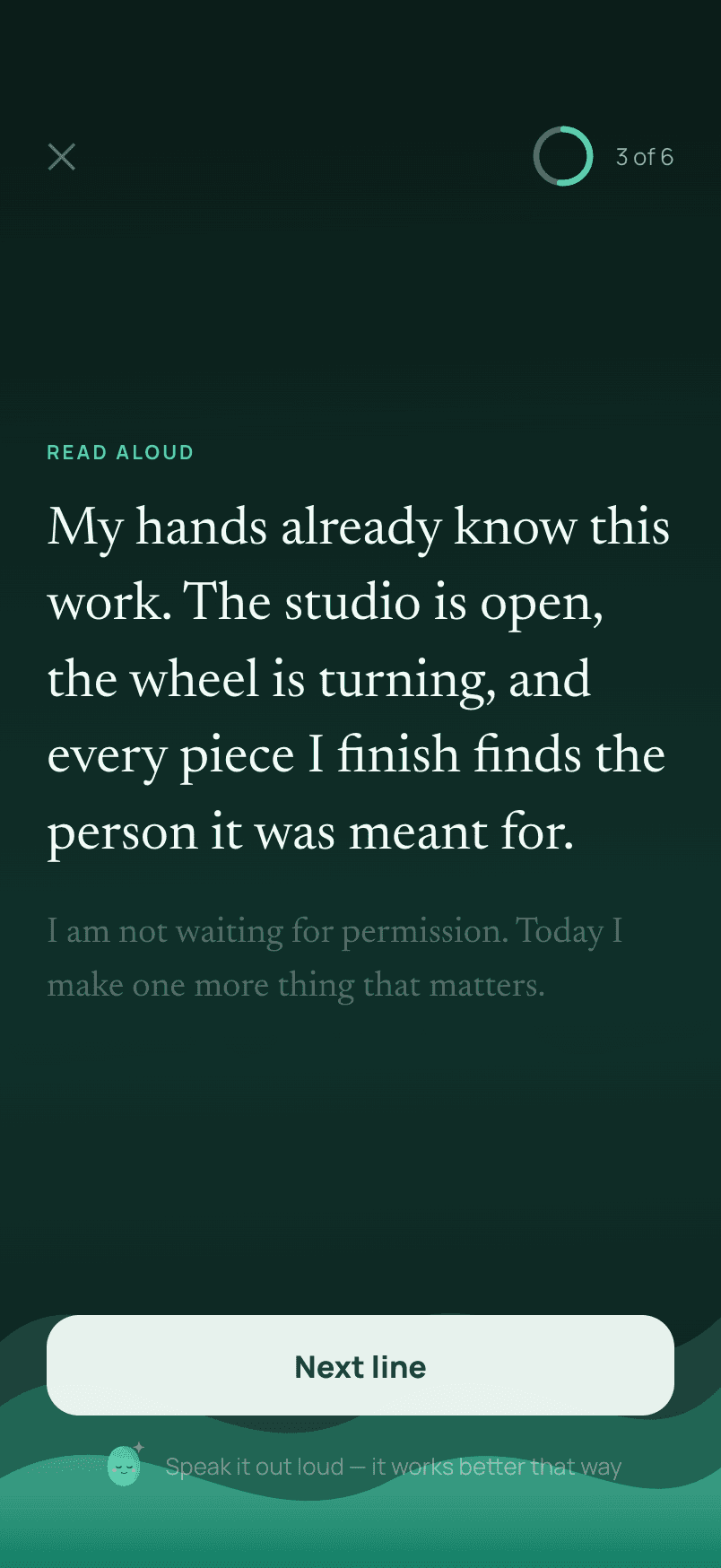
One AI-written line a day, present-tense and personal, read aloud against calming waves.
- 3
Unlock your day
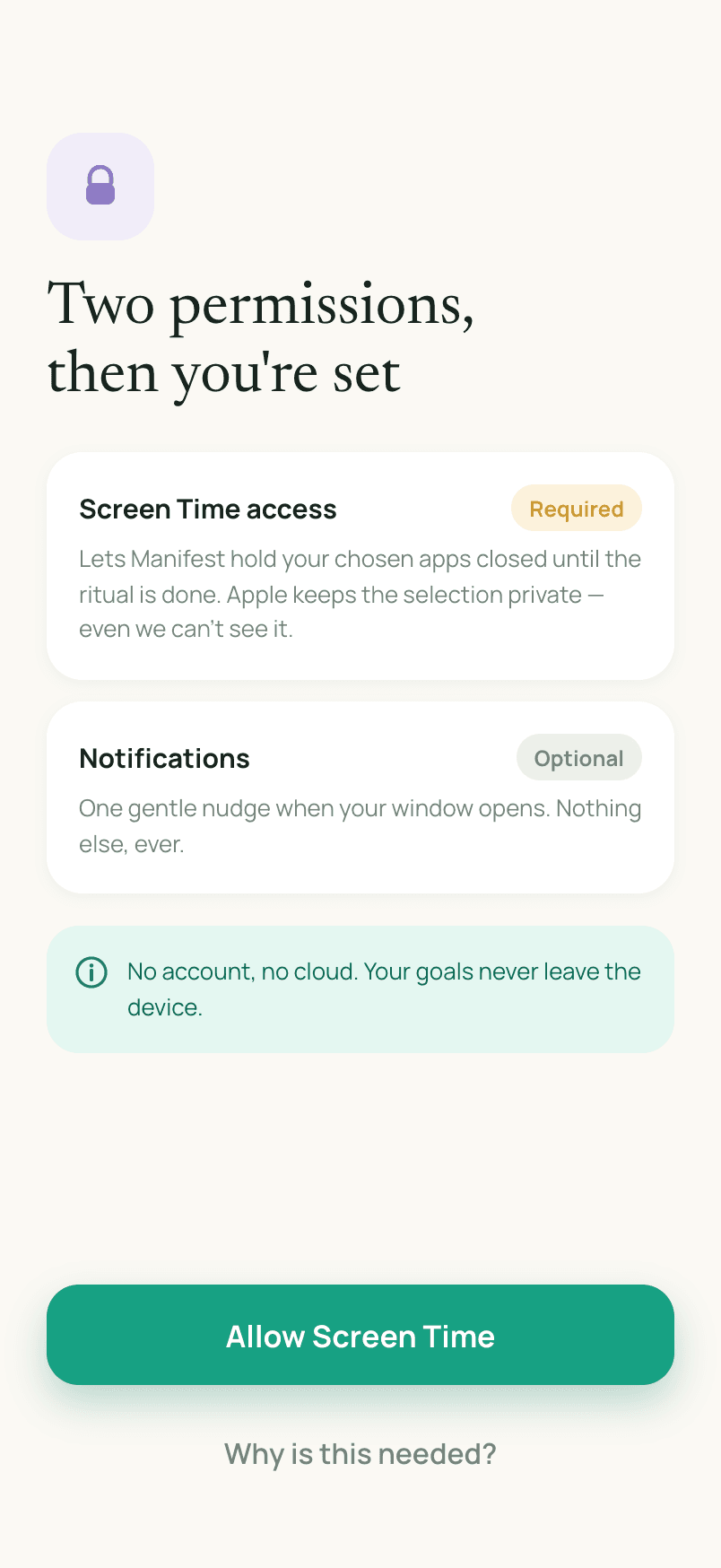
Finish the ritual and the Screen Time block on your chosen apps lifts. No shortcuts, no timers to wait out.
The apps wait. You go first.
Open a shielded app and Manifest asks for the ritual before anything else loads. Read your line against slow, looping waves — no forced dwell time, no timer counting you down, just one tap to the next line when you’re ready.
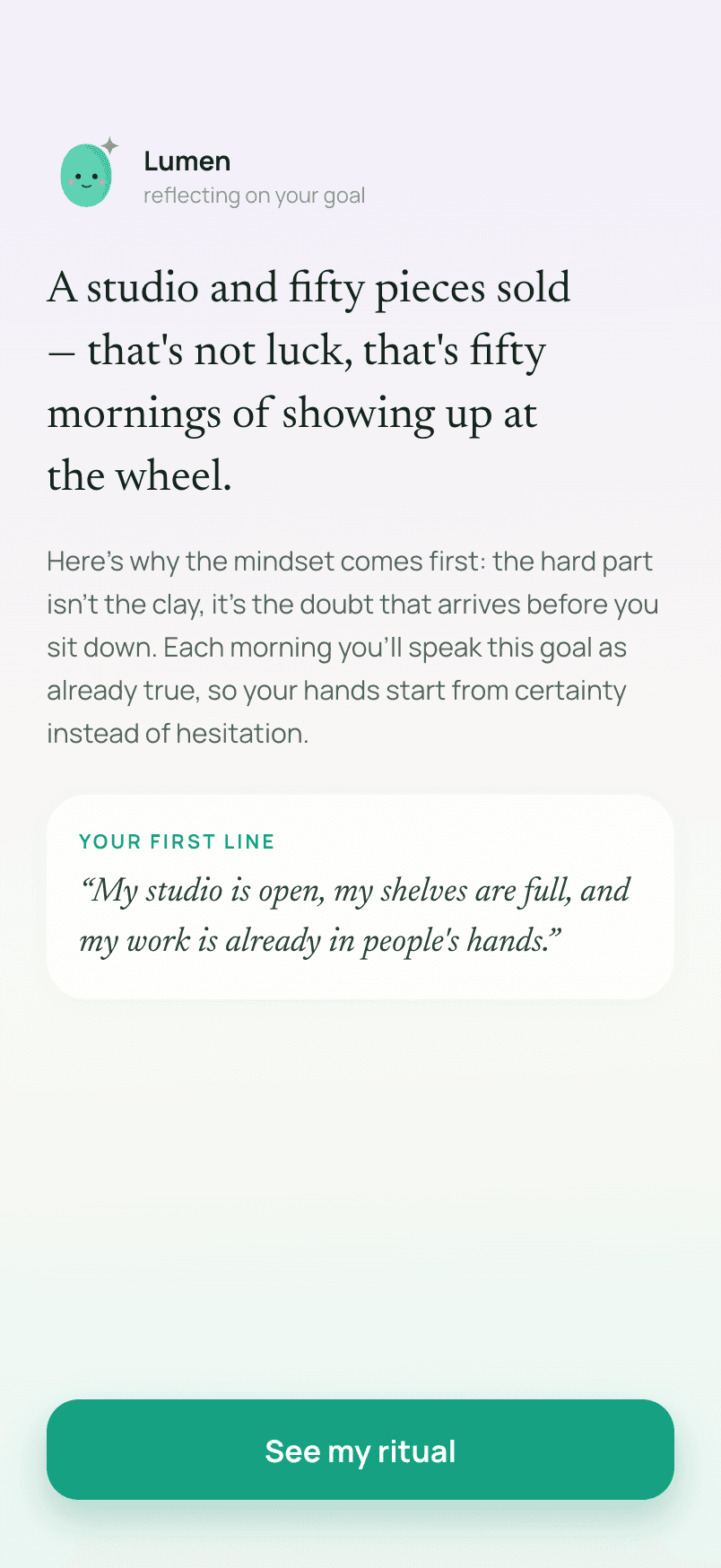
One goal becomes one line a day
Manifest reflects on your goal once, then writes a fresh line for it every day it’s active — present-tense, water charging, or the 369 method, in your language. Only the goal text itself is sent off-device to generate it; nothing is stored server-side afterward.
Progress you can feel
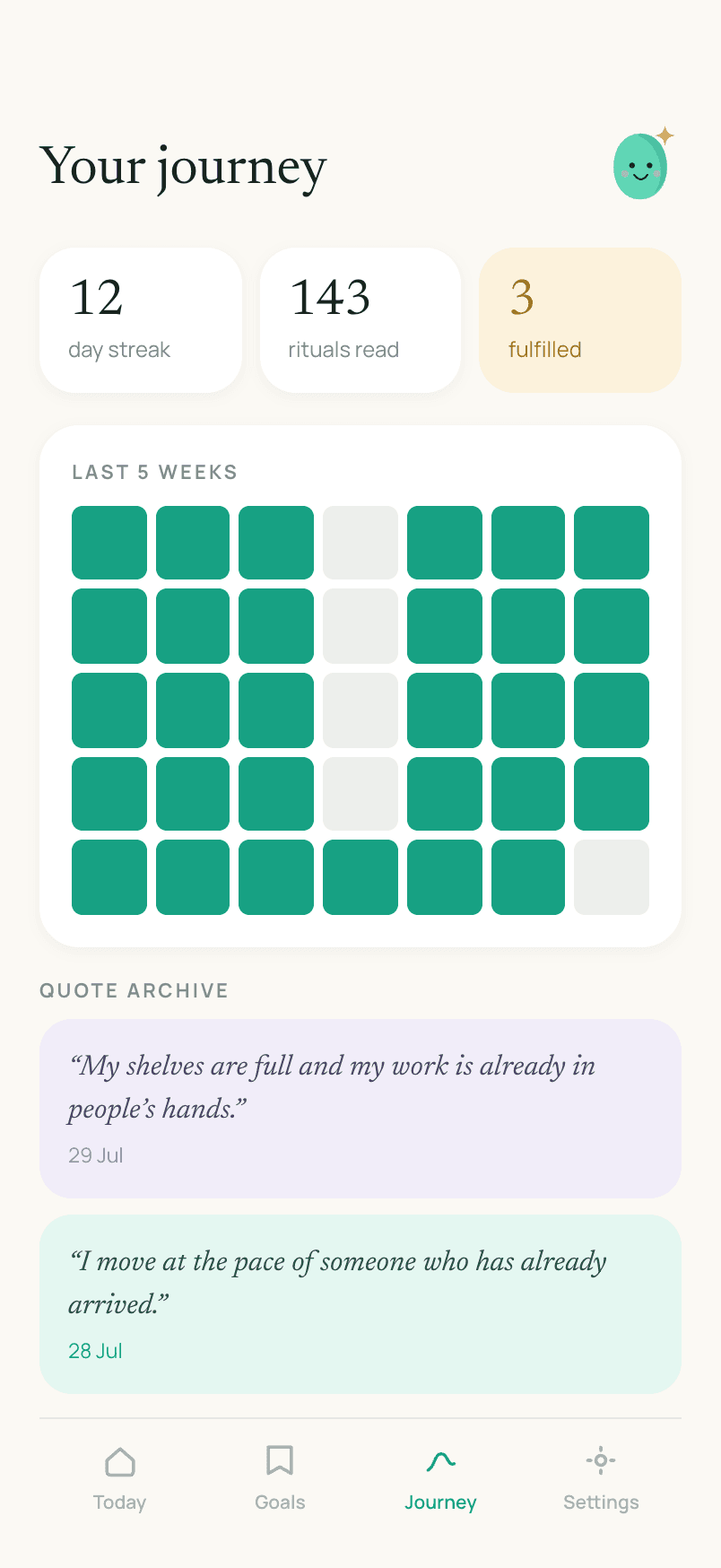
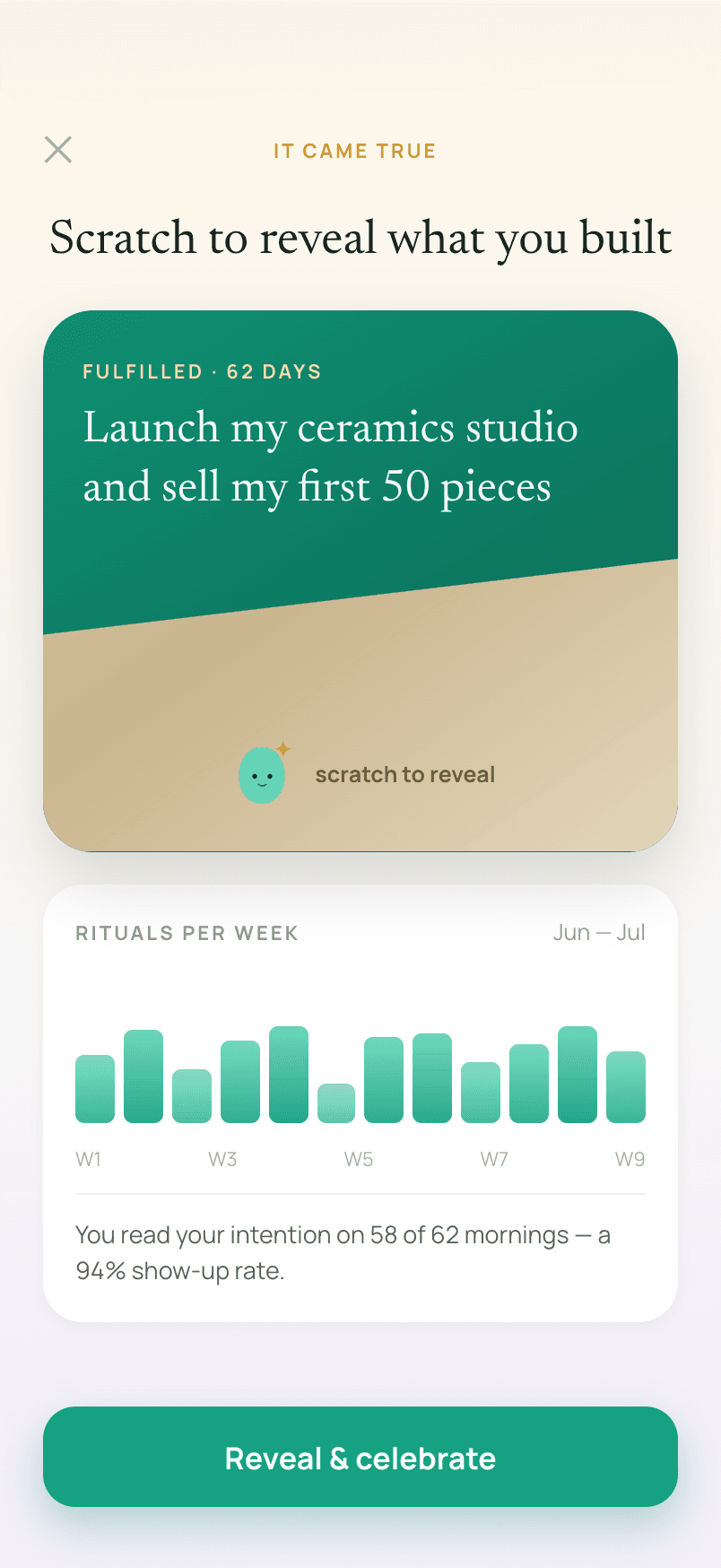
A streak, a consistency grid, and an archive of every line you’ve read keep the habit visible. Mark a goal fulfilled and scratch the gold foil off to reveal it — a small celebration for something you actually did.
Built to stay out of your way
No account, no cloud
Manifest has no login. Goals, streaks, and history live in local storage on your iPhone — never in a database of ours.
A real Screen Time gate
Built on Apple's FamilyControls and ManagedSettings, not a honor-system timer. The apps you pick stay shielded until the ritual is done.
Three ways to manifest
Present-tense affirmations, water-charging, or the 369 method — pick the style that fits how you think.
Grace, not guilt
A couple of grace skips a week for the mornings that don't go to plan. Your streak survives; the ritual isn't a trap.
A ritual, not a diagnosis
Manifest is a focus and intention-setting tool. The lines it generates are for reflection and motivation — not therapy, coaching, or medical advice, and manifesting a goal is no substitute for the work of pursuing it.